WebPify
A downloadable tool for Windows
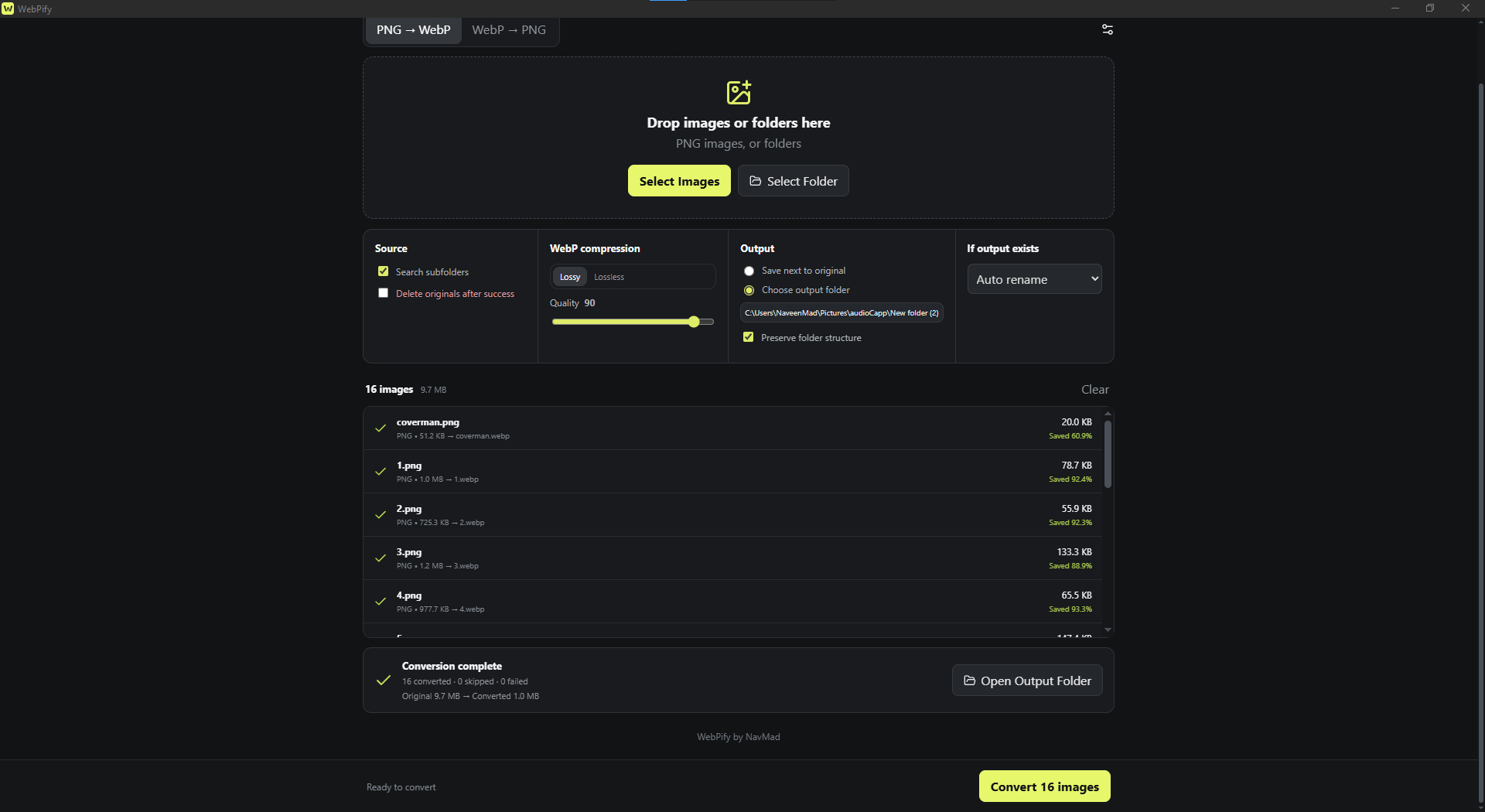
A fast, lightweight, and completely offline .PNG ↔ WebP batch converter for Windows
Convert a single image, hundreds of files, or entire folders without uploading anything to the internet. Your images always remain on your computer.
Features
- Convert PNG to WebP
- Convert WebP to PNG
- Lossy and lossless WebP compression
- Adjustable WebP quality
- Preserve transparency
- Drag and drop images or folders
- Scan nested subfolders
- Batch conversion with live progress
- Save beside the original or choose an output folder
- Preserve folder structure
- Skip, overwrite, or automatically rename existing files
- Optionally delete originals after successful conversion
- Fully offline—no accounts, telemetry, ads, or cloud uploads
How to use
- Choose PNG → WebP or WebP → PNG.
- Drag images or folders into WebPify, or use the selection buttons.
- Adjust compression and output settings.
- Select Convert.
That’s it!
Portable application
WebPify is distributed as a portable Windows application. No installation is required—download it and run WebPify.exe.
System requirements
- Windows 10 or Windows 11
- 64-bit system
- Microsoft Edge WebView2 Runtime, included with most modern Windows installations
Privacy
WebPify does not connect to the internet. It does not upload, collect, or share your files or personal information. All conversion takes place locally on your computer.
Download
Click download now to get access to the following files:
Development log




Leave a comment
Log in with itch.io to leave a comment.